
Practical
Examples, worksheets and review prompts connect concepts to decisions.
Practical UI/UX courses and downloadable guides for people who want to understand the decisions behind useful, readable interfaces.
Examples, worksheets and review prompts connect concepts to decisions.

Step-by-step explanations focus on hierarchy, flow and interaction.

Self-paced materials you can revisit whenever you need them.

Downloadable PDF files for study without a dedicated app.
FEATURED COURSES

WHO WE ARE
Elyvonax creates downloadable UI/UX learning materials for people who want to understand how interfaces are structured and why certain decisions work.
We connect research, user flows, hierarchy, interface states and visual systems into practical sequences.
Our materials are designed for self-paced study, annotation, practice and offline review.
We do not promise guaranteed outcomes; we focus on giving you clearer frameworks to practice and critique your work.
About ElyvonaxOUR MISSION
Our mission is to make UI/UX design easier to study as a connected system rather than a collection of isolated tricks.
We turn core design topics into structured, practical learning material that can be applied to real interface decisions.
We value clarity, accessibility, reasoning and iteration over trends or visual novelty for its own sake.
The result is a learning library designed to help you think more deliberately about the interfaces you create.
LEARNING PATH
Frame problems, understand users and learn the foundations.
Turn structure into wireframes, hierarchy and interface systems.
Connect components, responsive behavior and critique into a system.
INSIDE THE MATERIAL
Depending on the product, Elyvonax materials include downloadable PDF guides or coursebooks, worksheets, checklists and review prompts. Downloaded files can be used for offline study.
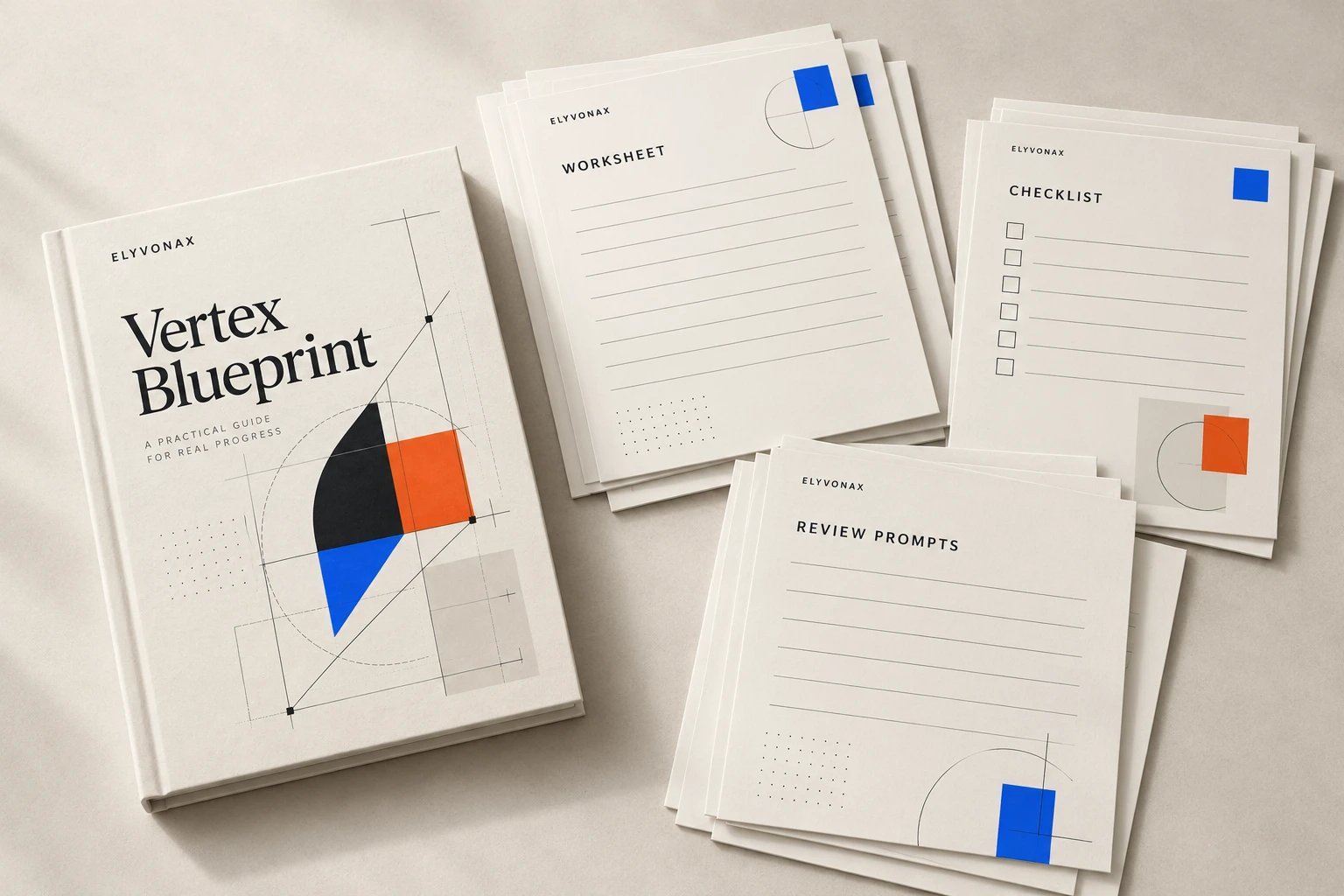
PRACTICE EXAMPLES
Three compact exercises show how Elyvonax moves from observing a problem to restructuring an interface and reviewing the result.
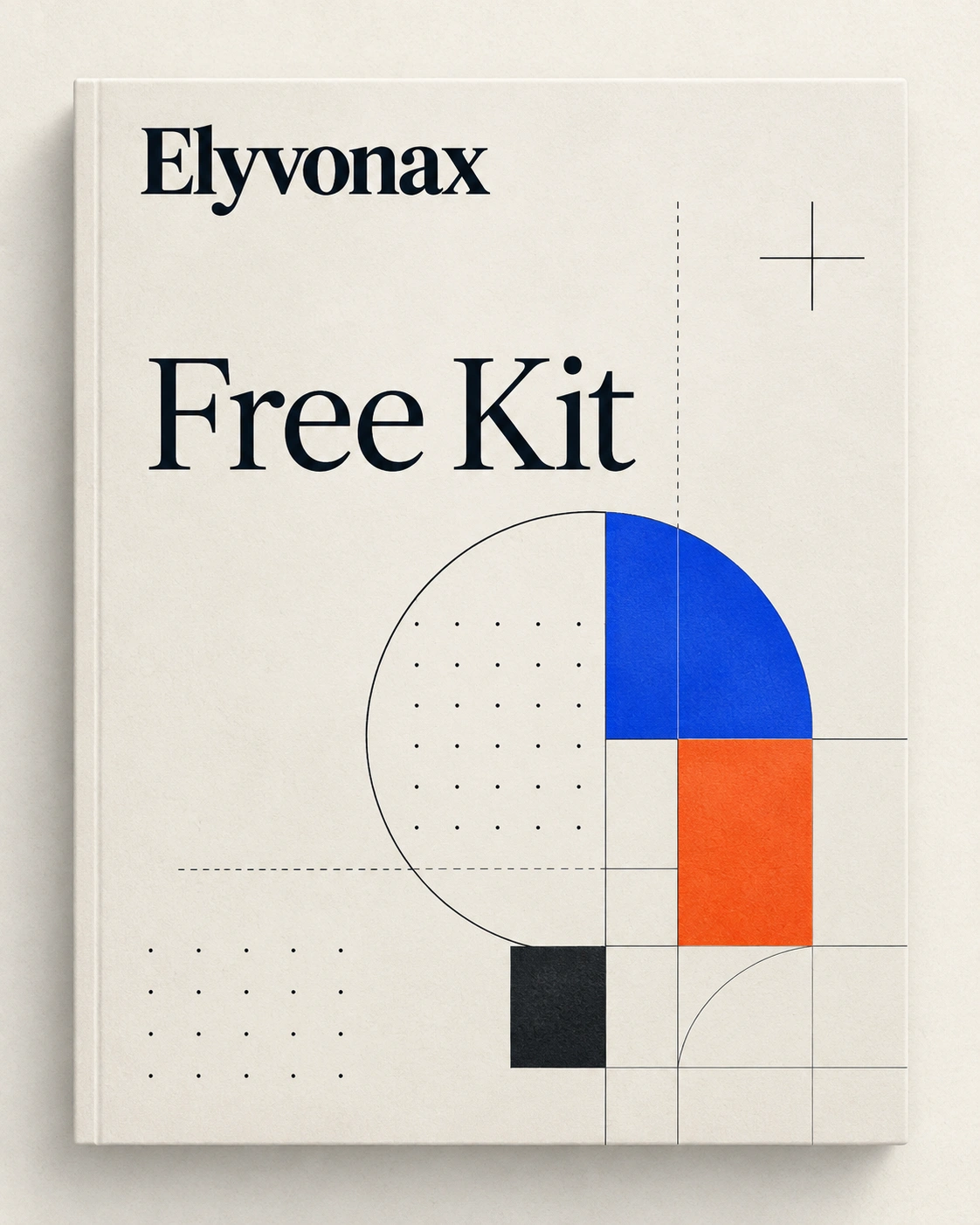
Meet the Free Kit: an introduction to flows, hierarchy, interface states and critique. See the modules before you decide what to explore next.
BEFORE YOU BEGIN / FAQ
Find out what is in the PDFs, how offline study works, and what to check before choosing a material.
Need a different answer?
Explore the complete FAQ
Each product page lists the exact materials. Depending on the product, this can include a downloadable PDF guide or coursebook, worksheets, checklists and review prompts.
Yes for files that have been downloaded and can be stored locally. Internet access may still be needed for payment, delivery and the initial download.
Free Kit does not require prior UI/UX study. Paid products list their prerequisites directly on the product page.
After successful payment confirmation, delivery may use a download link, email instructions, account-based access where offered, or another electronic method shown during purchase.
Eligible digital purchases may be submitted for refund within the period and conditions stated in the Refund Policy. Please review that policy before downloading or using the material.
THE METHOD / IN PRACTICE
Go from a user need to a considered interface. These are three ways to put the ideas in the guides to work.
See the learning pathIdentify the task, context and information a screen needs to communicate.
Explore flow, spacing and states before concentrating on visual polish.
Use review prompts to examine consistency, usability and next iterations.
 ELYVONAX / CONTINUE LEARNING
YOUR NEXT STEP
Browse the eight downloadable UI/UX materials, or begin with the Free Kit. Every product page lists its actual modules and included PDFs.